


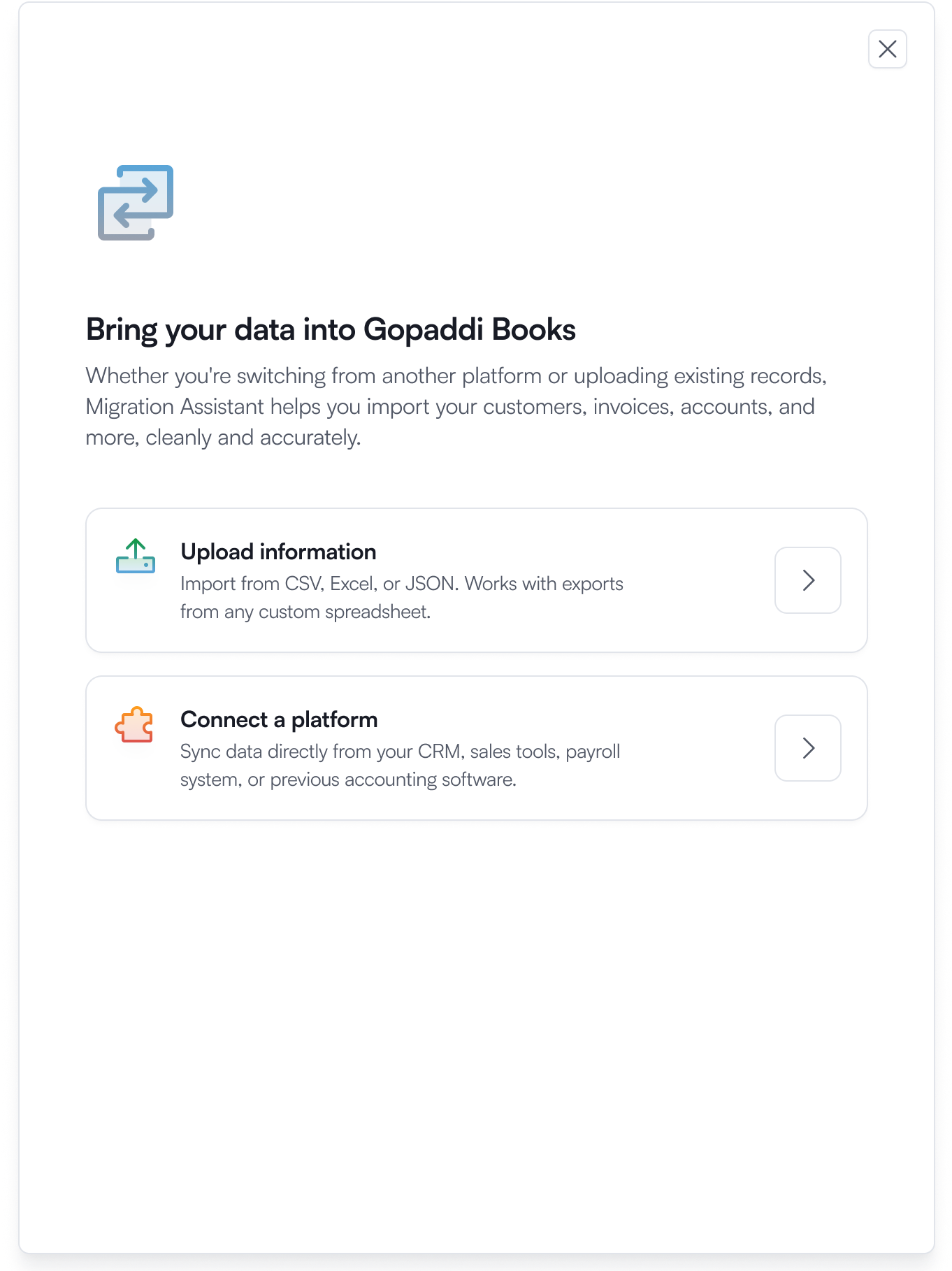
Choose migration type
Start with your migration assistant and select your preferred method of migration.


Gopaddi Books
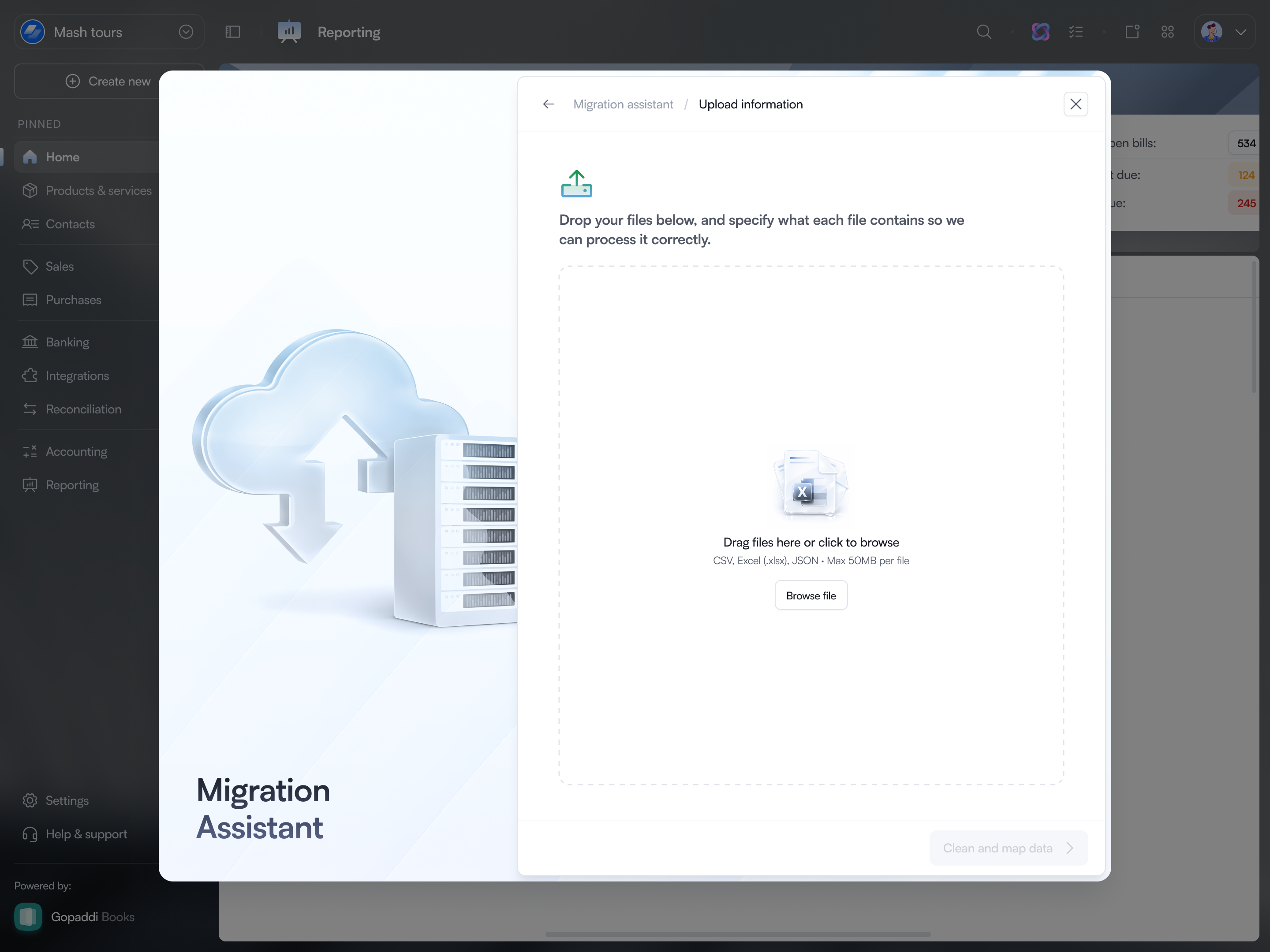
Bring your existing business records with you. Upload your data, match your columns, fix issues, and review everything before you import.
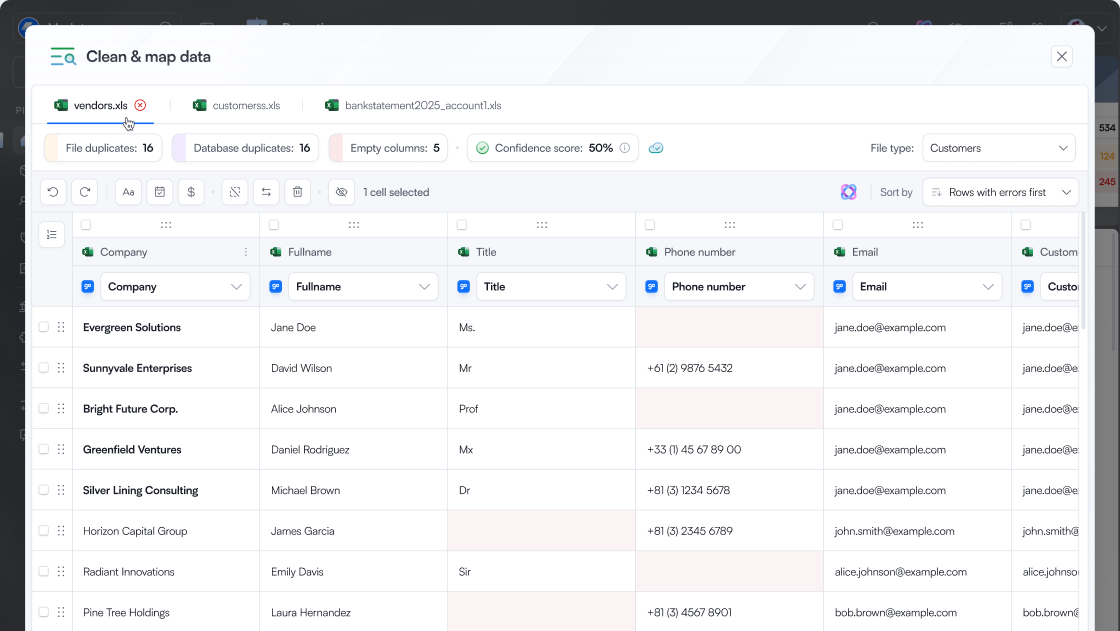
Gopaddi Books gives you a clear path and visibility over your data from upload to import.
Start with your migration assistant and select your preferred method of migration.
Upload your existing spreadsheet or a sample file to understand how your data should be structured.

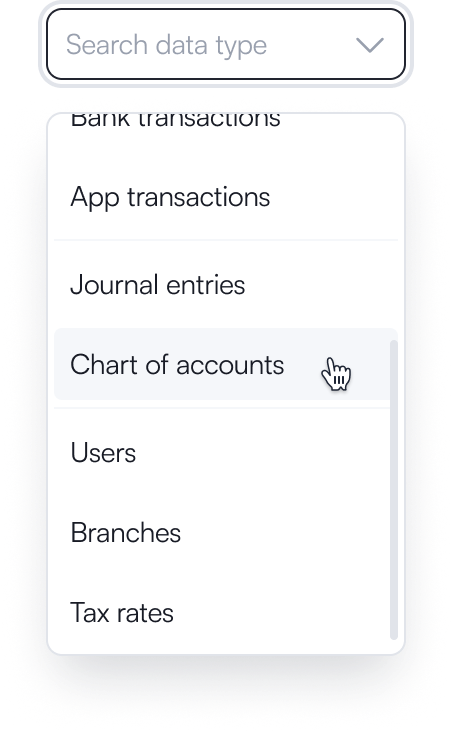
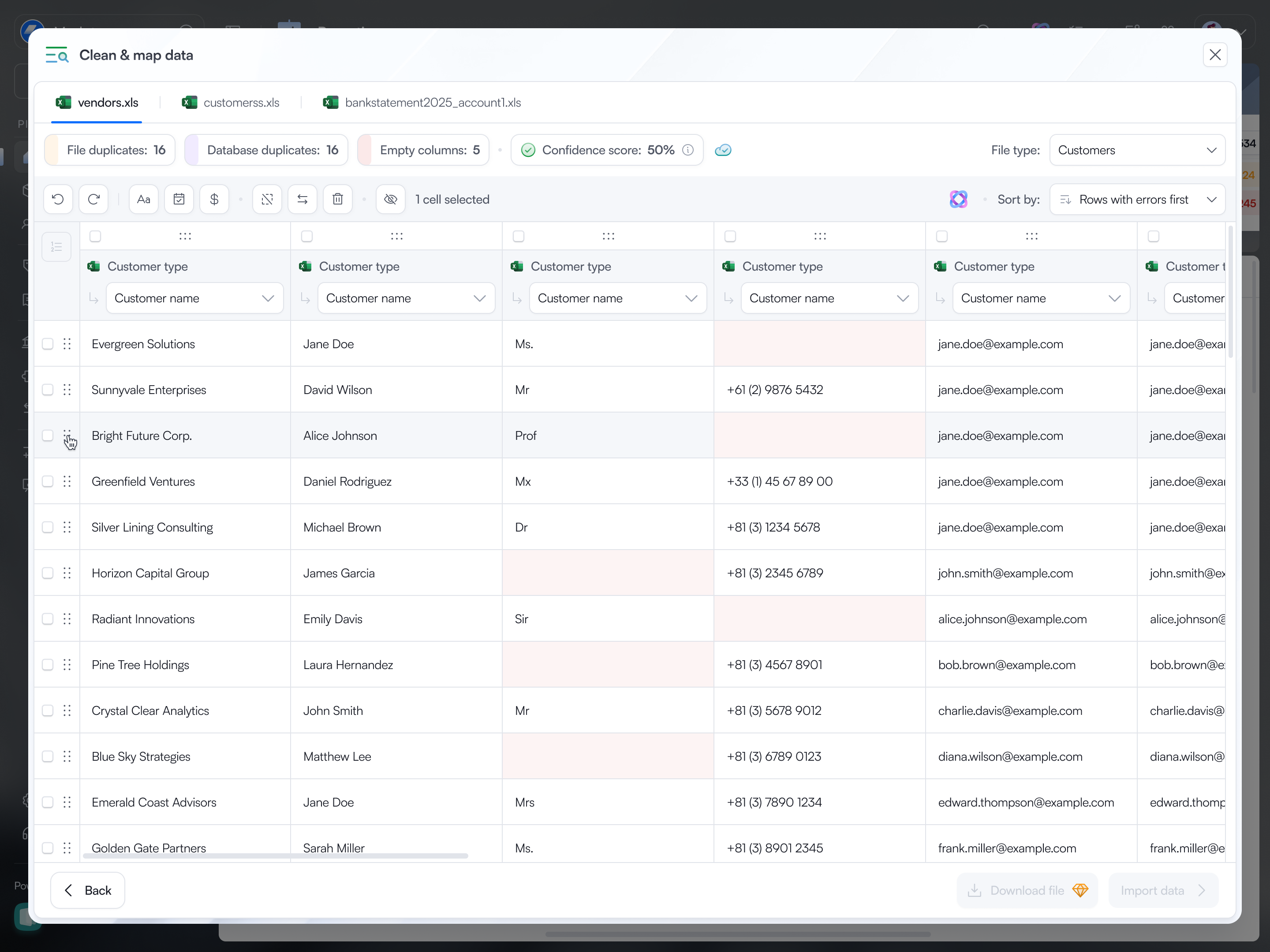
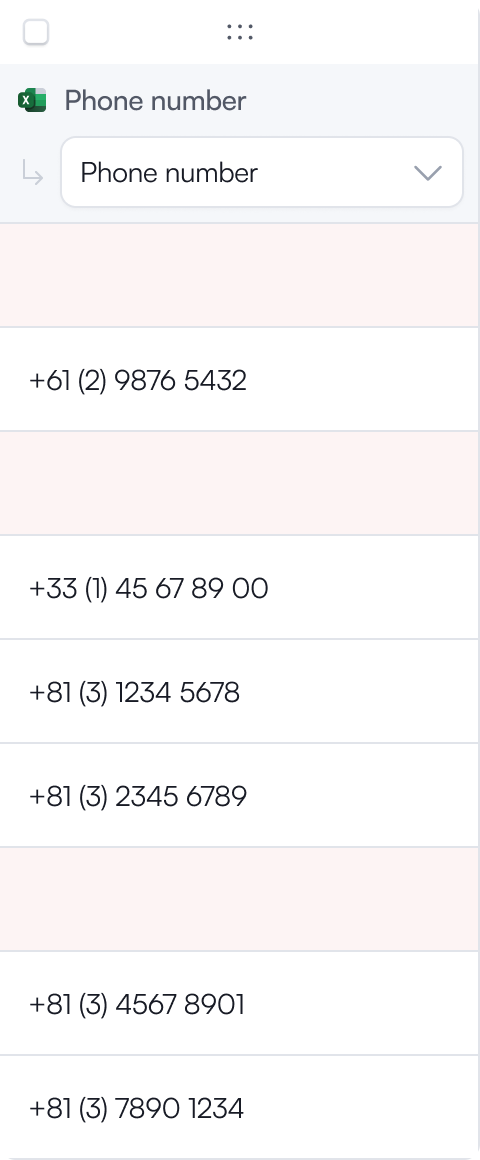
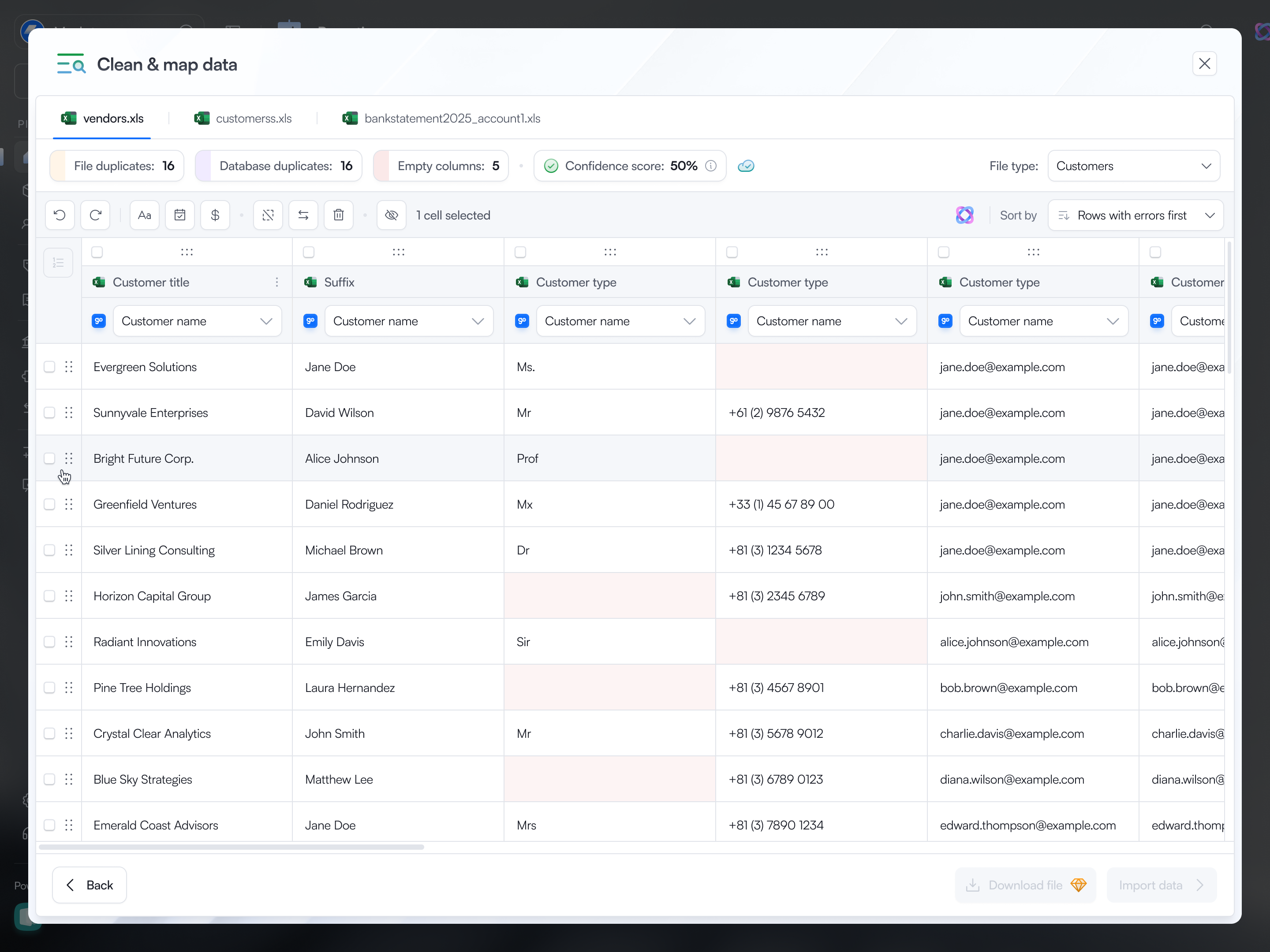
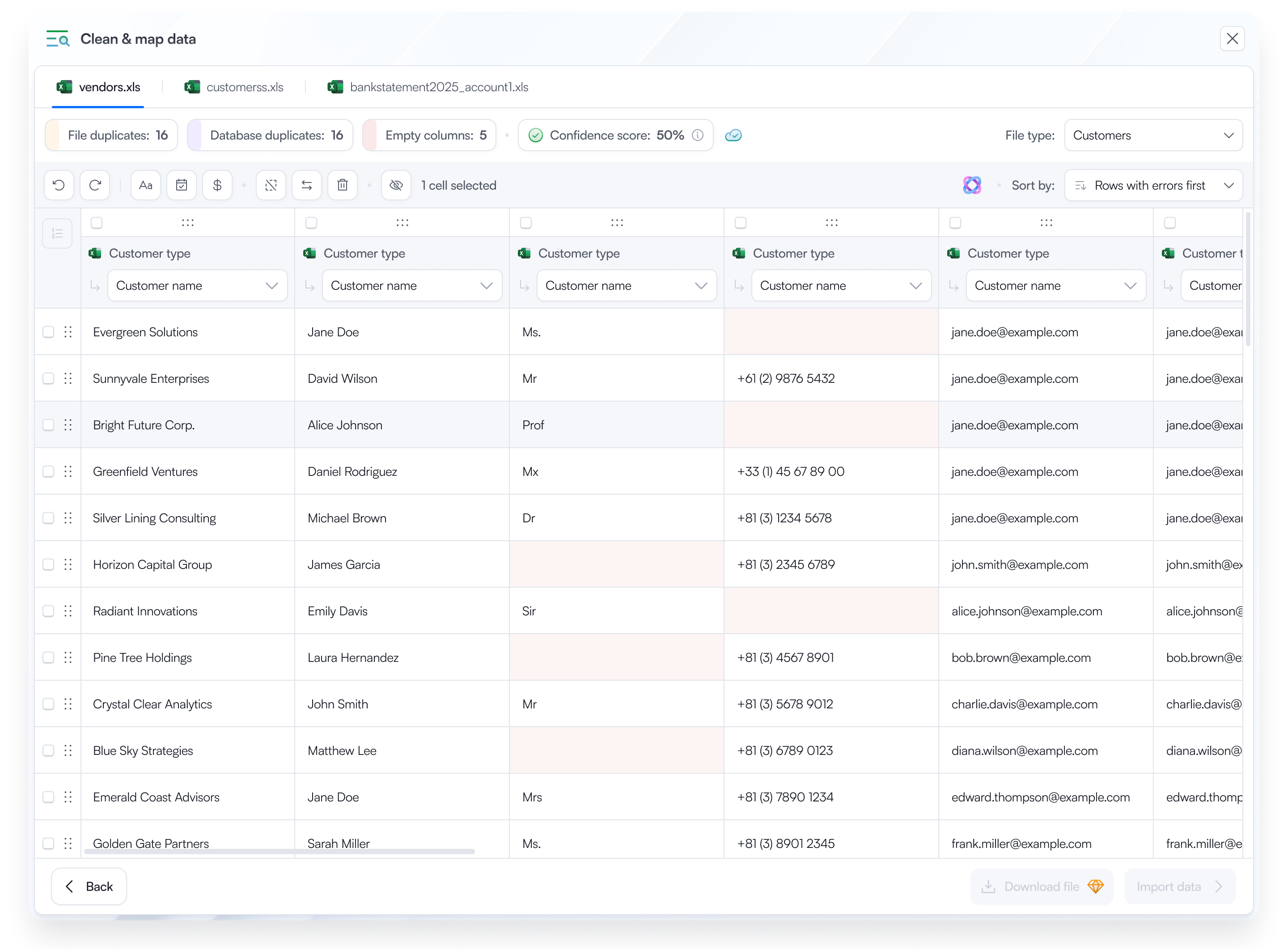
Match the headings in your spreadsheet with the right fields in Gopaddi Books.

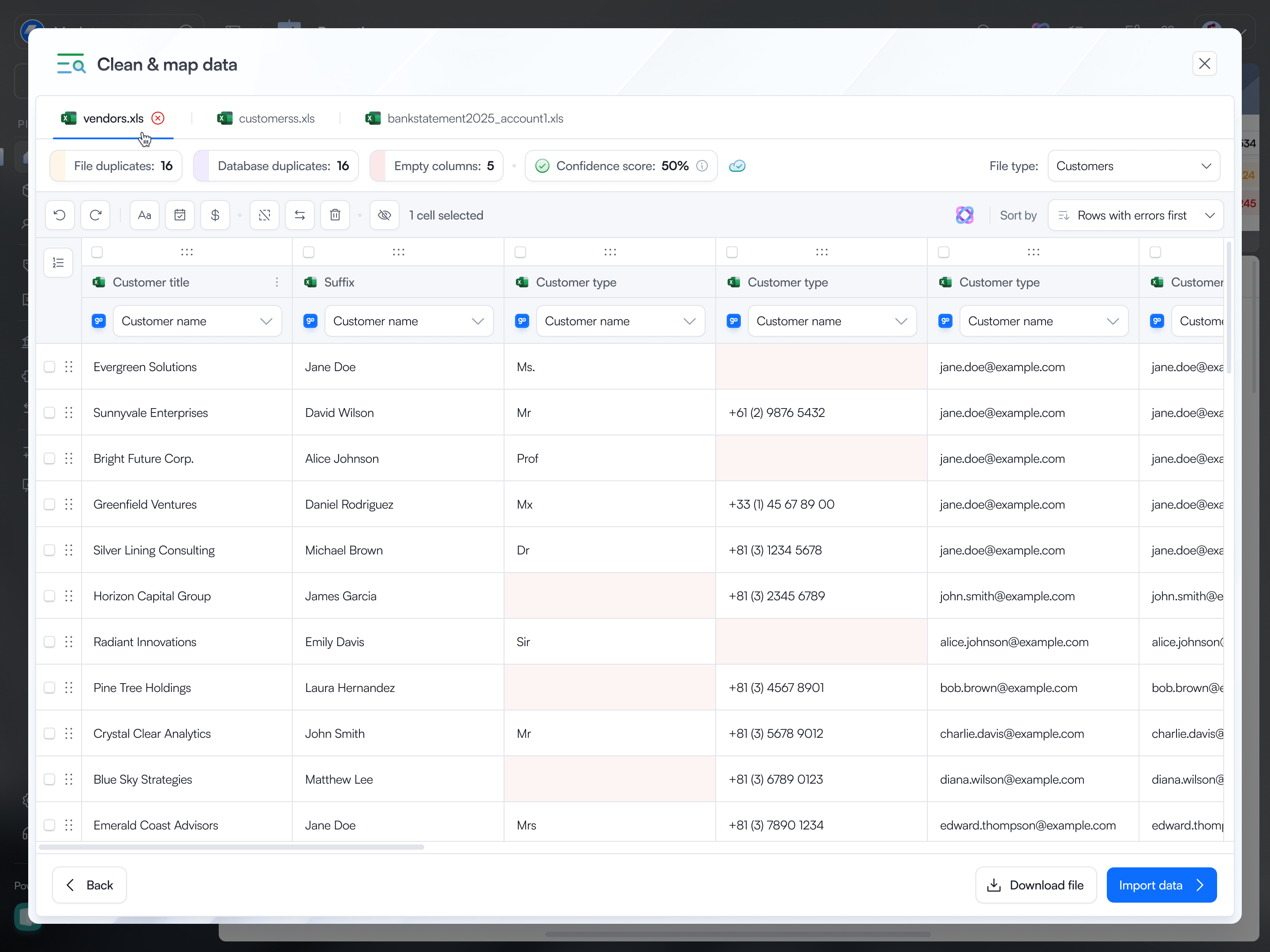
Review your records in a familiar spreadsheet-style view and make supported corrections before importing.

Review the final dataset and the changes you've made. When you're satisfied, confirm your import.

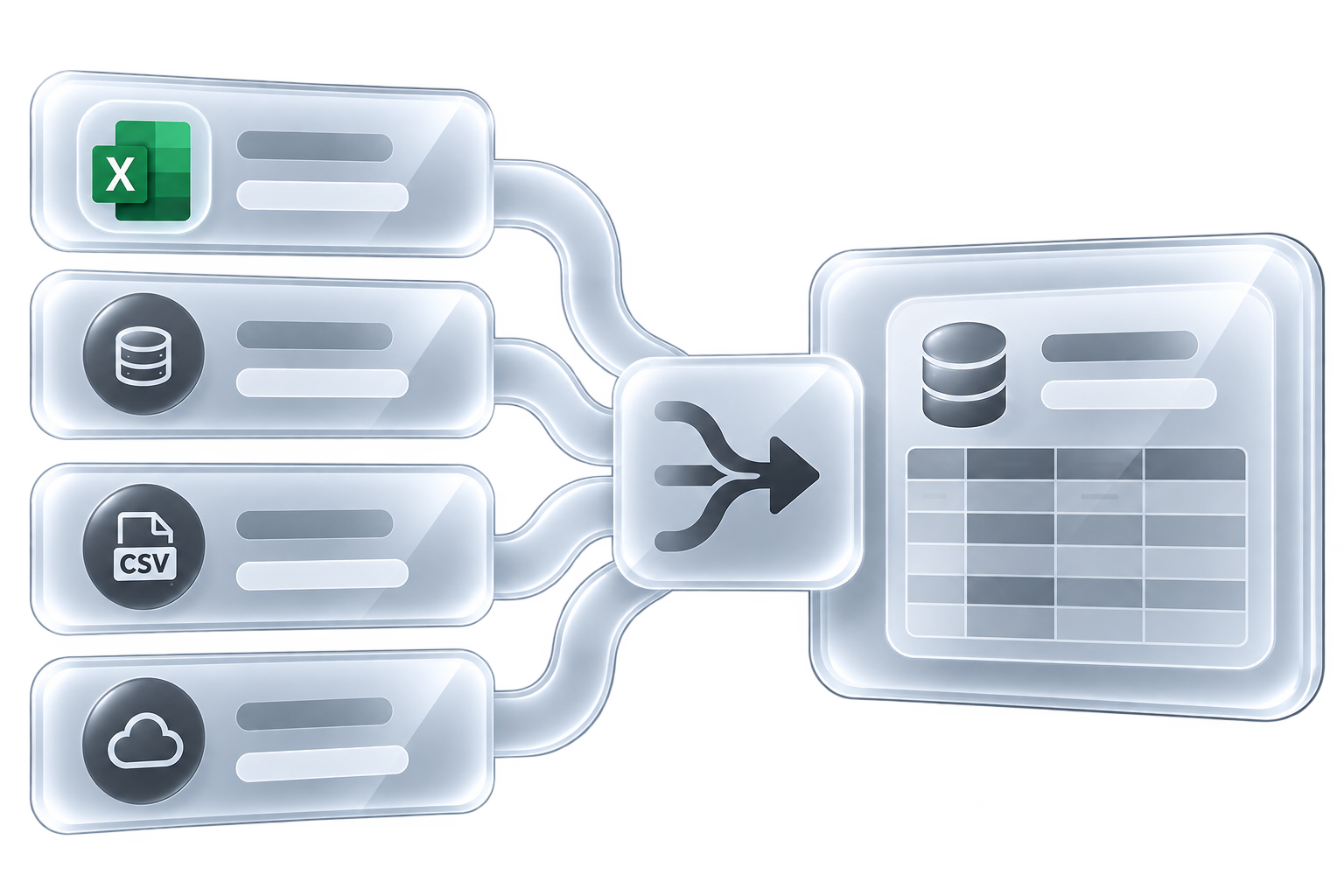
Before anything is added to Gopaddi Books, you get a final opportunity to review your dataset and the changes you've made.
When everything looks right, confirm the import and your records will become available in the relevant area of Gopaddi Books.
Start with the migration assistant, then choose to upload a file or connect a platform. Follow the steps to prepare and review your records before importing.
Have any more questions? Reach out to support