Organisationsthrive
on healthy spend culture
From the moment someone plans to spend, to when money leaves, see it, control it, and stay on budget without chasing receipts or waiting till the end of the month.

BUDGET TRACKER
Know where your money is going
Most finance teams find out about spend problems after the money is already gone, with gopaddi you're up to speed on what money is spent on without chasing receipts

No more month-end surprises.

See a living view of what's been allocated

See what's been spent, and what's still moving
Budget tracker
Budget utilization
(56.7%)
Total org. budget
₦30,000,000
Allocated
₦17,000,000
Remaining
₦13,000,000
Flights to New york
Travel
₦800,000

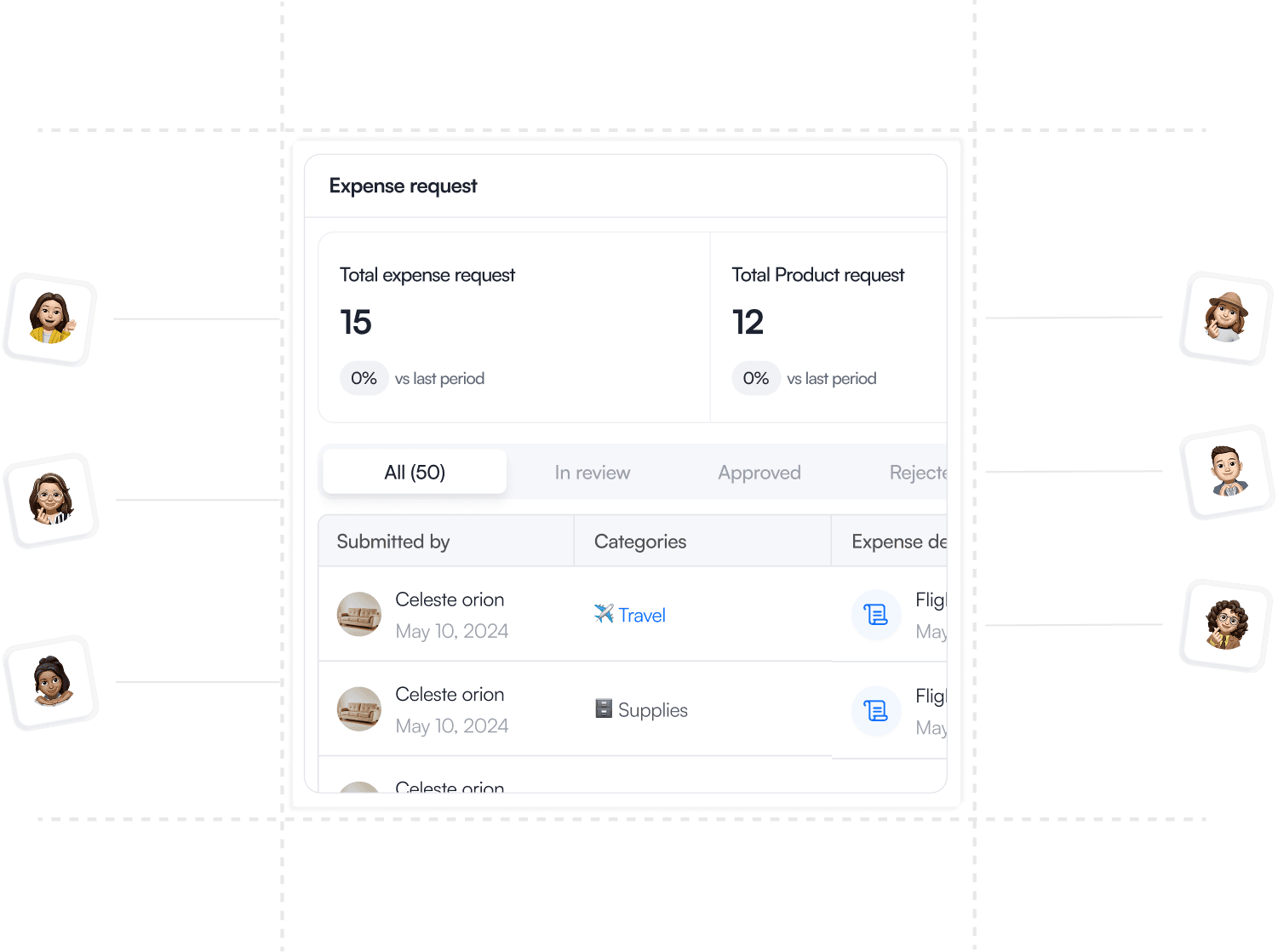
Expense request
HOW IT PLAYS OUT
From budget to reimbursement.
Gopaddi has every step handled, the full spend journey, not just the bit your finance team sees at month-end.
1
Allocate the budget

Total org budget
₦128,000,000
Allocated
Travel
₦8,000,000
Assign budgets to departments, trips, or individual employees. Set limits per category, grade, or project, all within your policy.
2
Spend happens

Flights to New york
Travel
₦800,000

submitted by Jane
Employees book travel, submit expenses, or log costs directly. The OS checks every transaction against policy the moment it's submitted.
3
Approve or flag

Trip to rwanda
Travel
₦800,000

approved by Cornet
In-policy claims route to the right approver automatically. Out-of-policy ones are flagged instantly never discovered at month-end.
CORE HIGHLIGHT
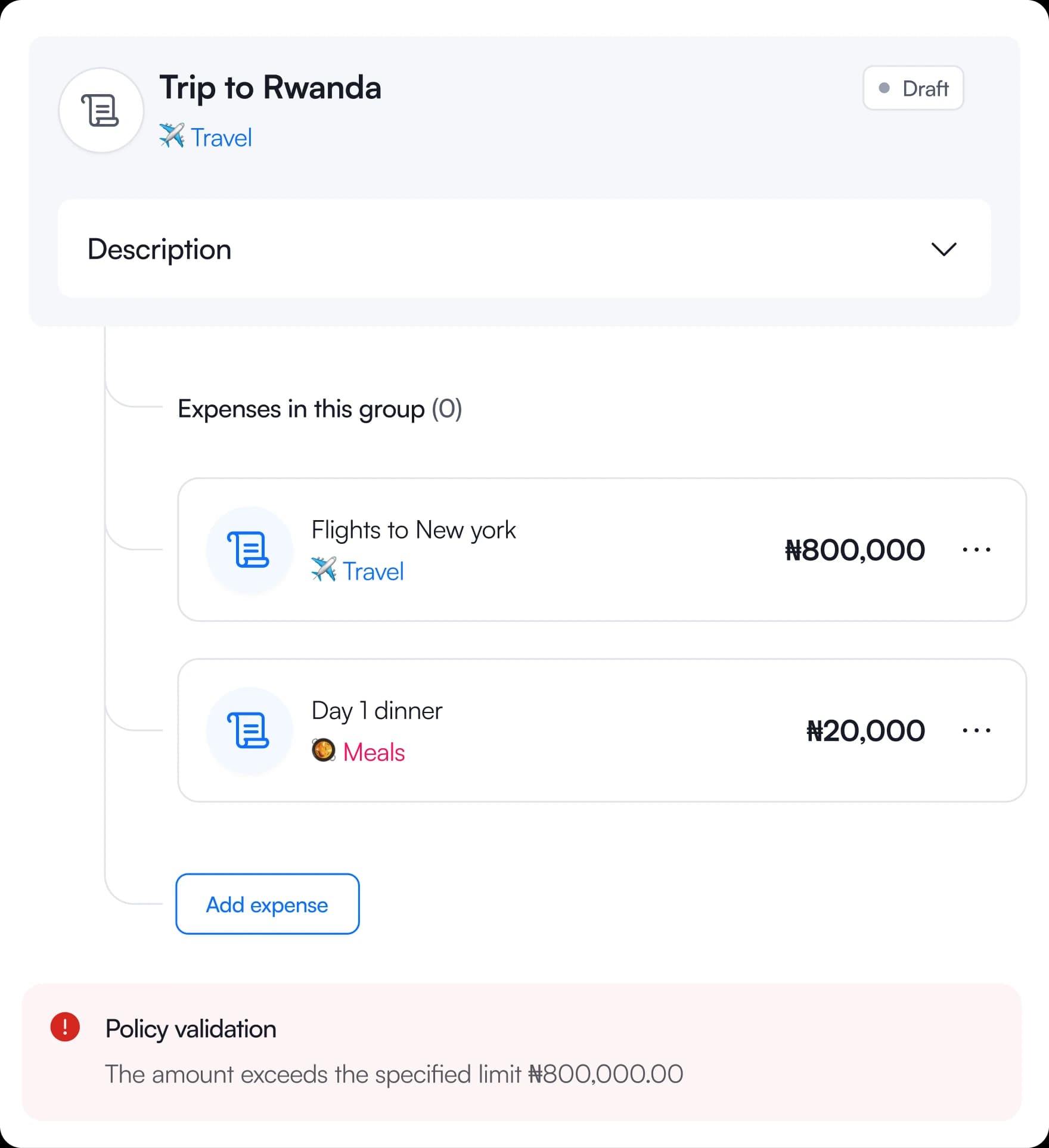
Works seamlessly with policies
Budgets don't work alone. Every expense follows your company rules automatically which is either approved or flagged where necessary
Flags

Blocks

Approves

WHO WE BUILT THIS FOR
Every person who touches spend has a role here.
Budget & Expense Management works for the person booking a flight, the manager approving it, and the CFO who needs to see all of it without lifting a finger.
Frequently asked questions

Yes. Out-of-platform expenses, meals, taxis, personal card purchases, can be submitted manually with a receipt. Policy rules still apply. Any claim that falls outside configured spend limits or approved categories is automatically flagged before it reaches an approver.
Have any more questions? Reach out to Support